Desk Alignment Essentials

Position your chair, screen, and input devices so your body stays neutral through long computer sessions.

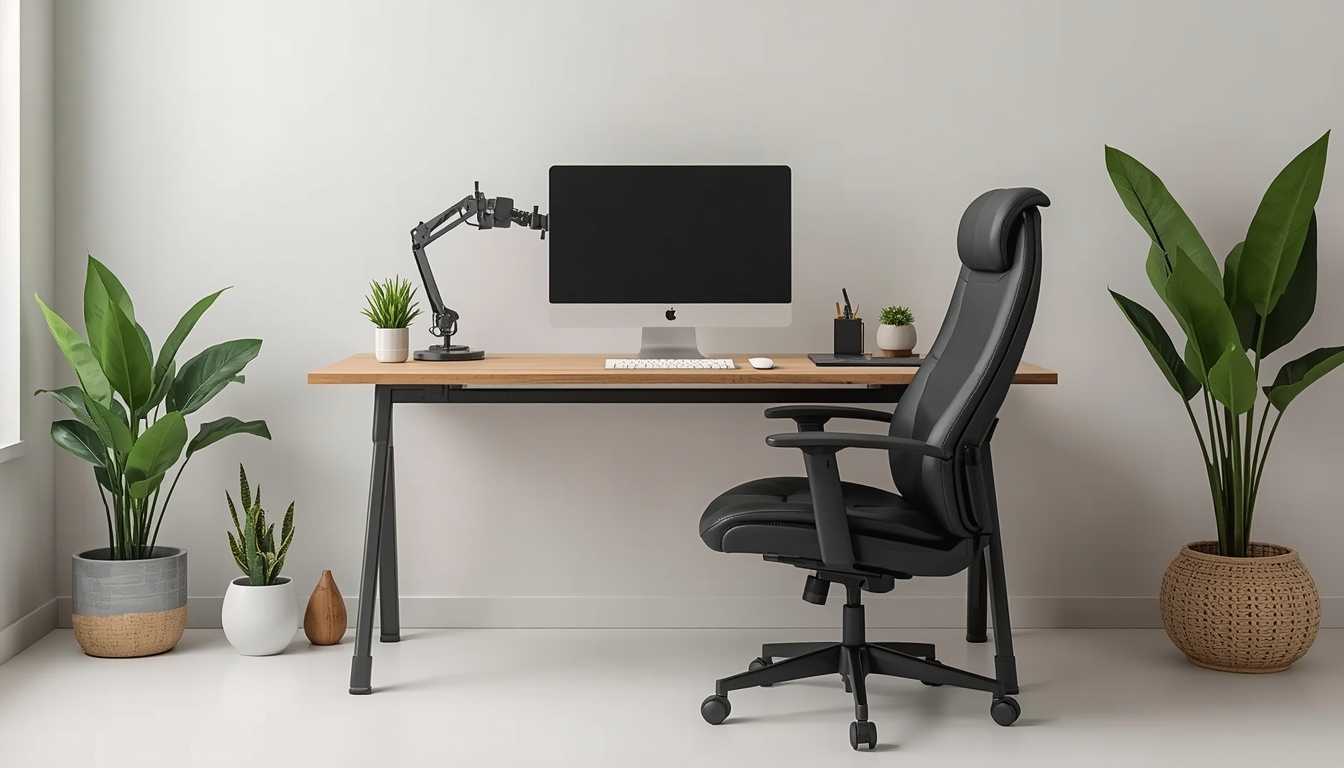
Beautkne ergonomic desk setup example

Chair Height and Depth

Adjust your seat so feet rest flat on the floor or a footrest, with thighs parallel to the ground. Leave two to three fingers of space behind your knees. Beautkne recommends testing chair depth by sitting fully back and checking lumbar support contact.

Monitor Distance and Tilt

Place your primary screen an arm's length away, with the top edge at or slightly below eye level. Tilt the display back ten to twenty degrees to reduce glare from New Zealand's bright afternoon light near windows.

Keyboard and Mouse Zone

Keep both input devices on the same surface level, close enough that elbows stay near your sides at roughly ninety degrees. Avoid reaching forward for a mouse pad placed too far right—centre your body to the spacebar instead.

Laptop Riser Considerations

When using a laptop as your main device, pair a riser with an external keyboard. Beautkne outlines affordable riser angles that protect your neck without sacrificing desk space in compact Kiwi flats.

Lighting and Glare Control

Position desk lamps to the side opposite your writing hand. Reduce window glare with blinds during peak sun hours so you are not craning your neck to read on-screen text.

Weekly Desk Audit

Spend five minutes each Friday reviewing cable clutter, chair wheels, and monitor arms. Small drifts in setup accumulate over busy work weeks—reset before Monday.

Alignment is not perfection—it is consistency. A desk that fits your body beats an expensive chair used incorrectly.

— Beautkne Team

Need Help With Your Layout?

Share your desk dimensions and we will suggest adjustments through our contact form.

Contact Us